Featured








Coding Projects
A overview of my first iOS app, Bounce 2: Notes, with links to source code and a quick breakdown of the major features in the app with some technical information about each one.
Learn how to use your terminal to create 3D models using stl_cmd, a suite of tools that can generate, inspect, and manipulate STL files.
O'Reilly Media's Oriole platform provides a rich learning experience by combining video, text and interactive coding widgets. To me, it seemed like the perfect way to teach Arduino, but interfacing with Arduino from a browser is tricky business. Read about how I managed to get a simple example going that includes writing code, uploading it to your Arduino and using your Arduino to interact with widgets on the page, all from your browser window.
Play a tune by touching the various tools in your toolbox! See how I wired up and programmed a MUSE board for an exhibit at the Children's Museum of Bozeman STEAMlab.
My wife's family vacation rental business needed some floor plans converted to vector graphics. Read about how I wrote a script to convert 100+ low resolution PNGs to SVG format.
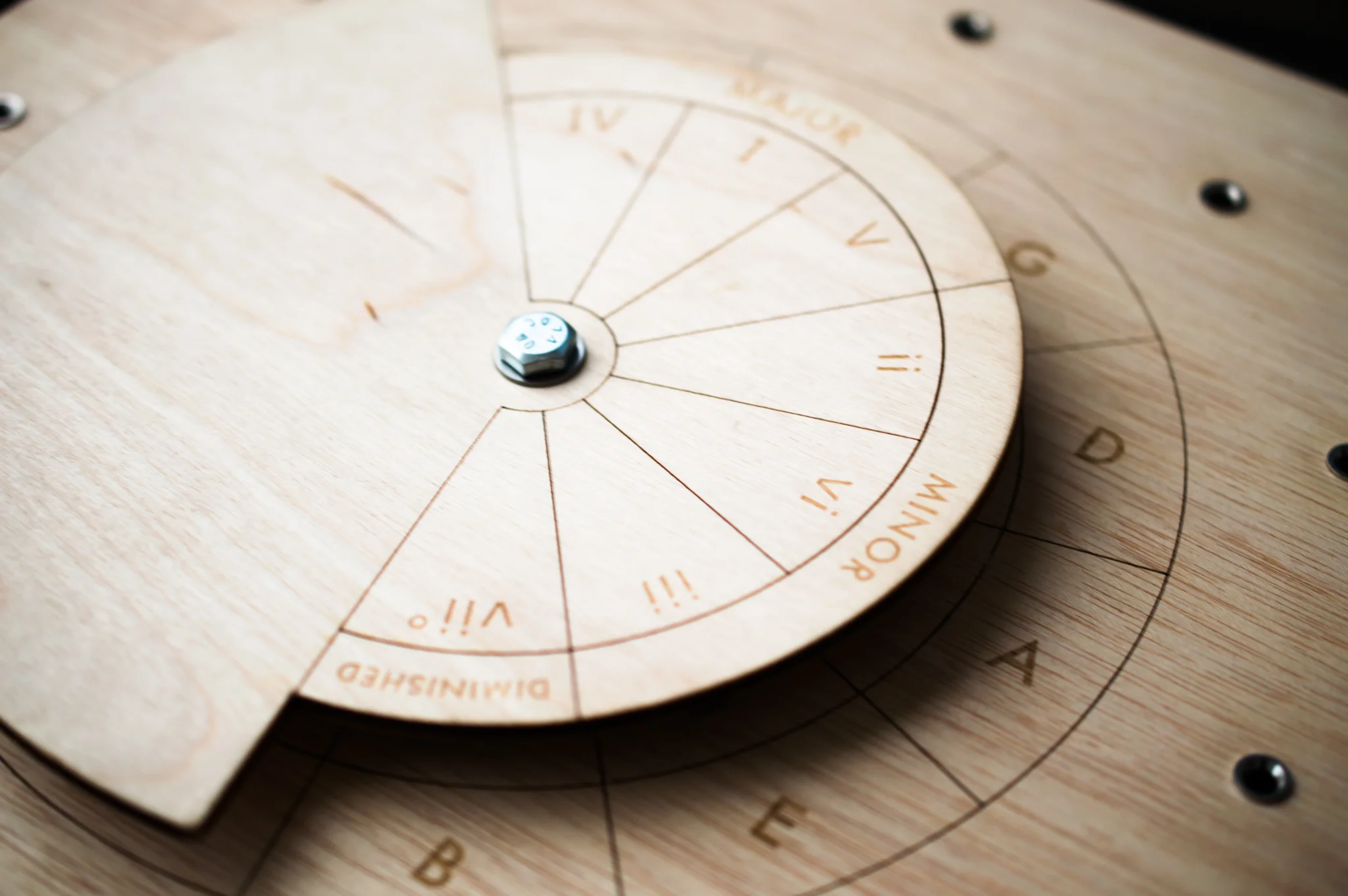
A circle of fifths chord progression player powered by an Arduino and some clever circuitry. Turn the dial to adjust which chords in the circle are major, minor or diminished. Hook your device up to a MIDI synthesizer to hear the chords play!
Create your own mouse wheel using a rotary encoder, then use it as a jog wheel for the Pocket NC.
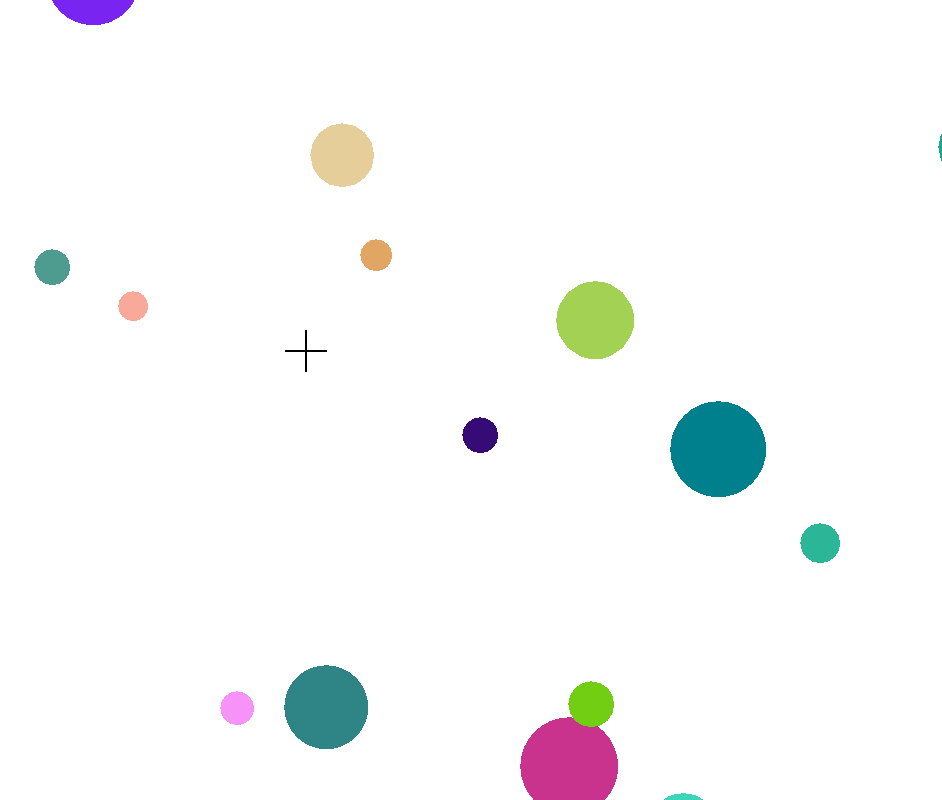
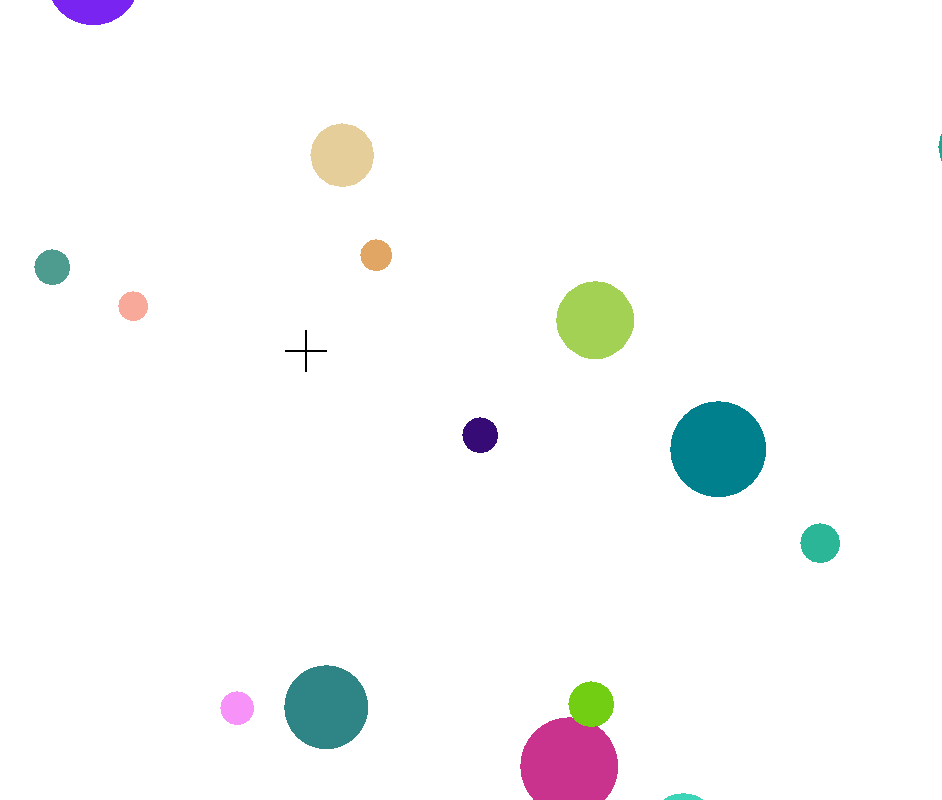
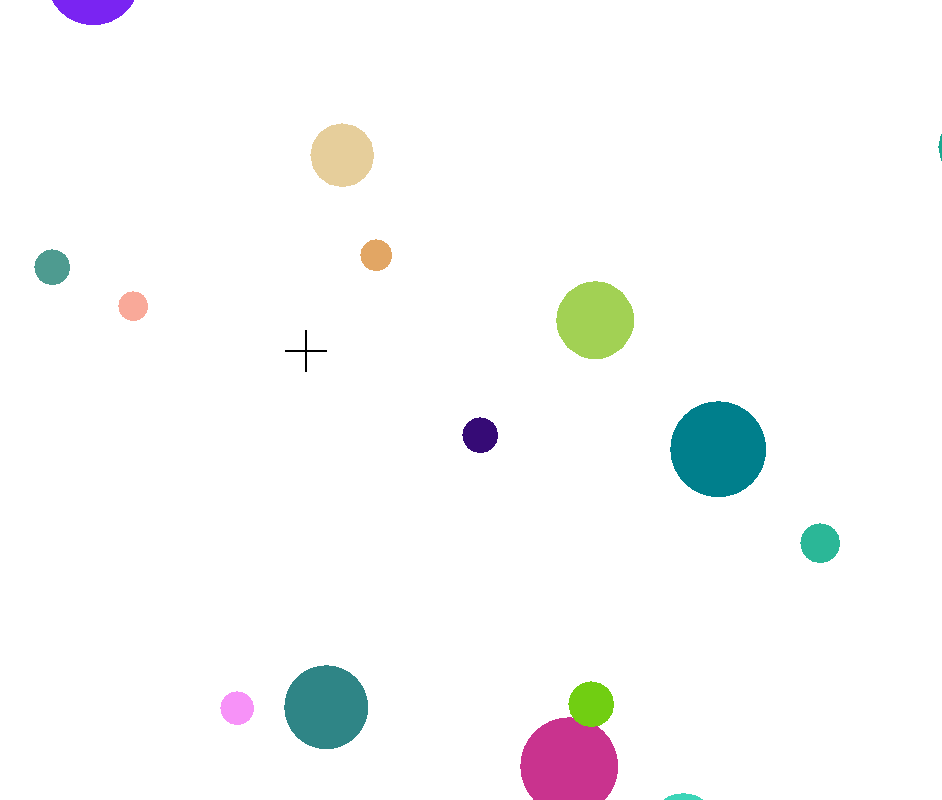
The seventh step of a series of coding exercises that build up to making your own playful simulation of colorful, bouncing balls.
The 6th installment of a tutorial on an introduction to programming. Learn how to use lists to make multiple circles bounce around the screen.
The fifth step of a series of posts meant to teach you about programming. We'll learn how to use an if statement to keep our animated circle from moving off the screen.
The fourth step of a series of interactive programming examples building towards making circles bounce around the screen and off each other. In this step, we'll learn how to animate a single circle.
The third in a series of posts meant to teach you the basics of programming using interactive coding widgets. In this step, we'll learn how to write a function that can draw a circle rather than an ellipse.
The second of a series of posts meant to teach you the basics of programming through experimentation with actual coding. In this step, we'll see how variables can store values and be used in equations.
The first of a series of posts meant to teach you the basics of programming using interactive coding widgets. In this first step, we'll draw an ellipse to the screen and experiment with how it can be positioned on the screen and stretched in different directions.
A coding tutorial inspired by my own experiences with programming. When I was young, I was inspired to program when I saw how I could use math to control visual elements on the screen. Read about a project of mine that has played an important role throughout my programming education. Interact with live coding widgets to gain real programming experience.
Sign up with your email address to receive DIY projects and updates in your inbox.
We respect your privacy.
Read all about a new exhibit that I built at the Children's Museum of Bozeman! The project involved a combination of woodworking, electronics and coding, so I had a lot of fun putting it all together.